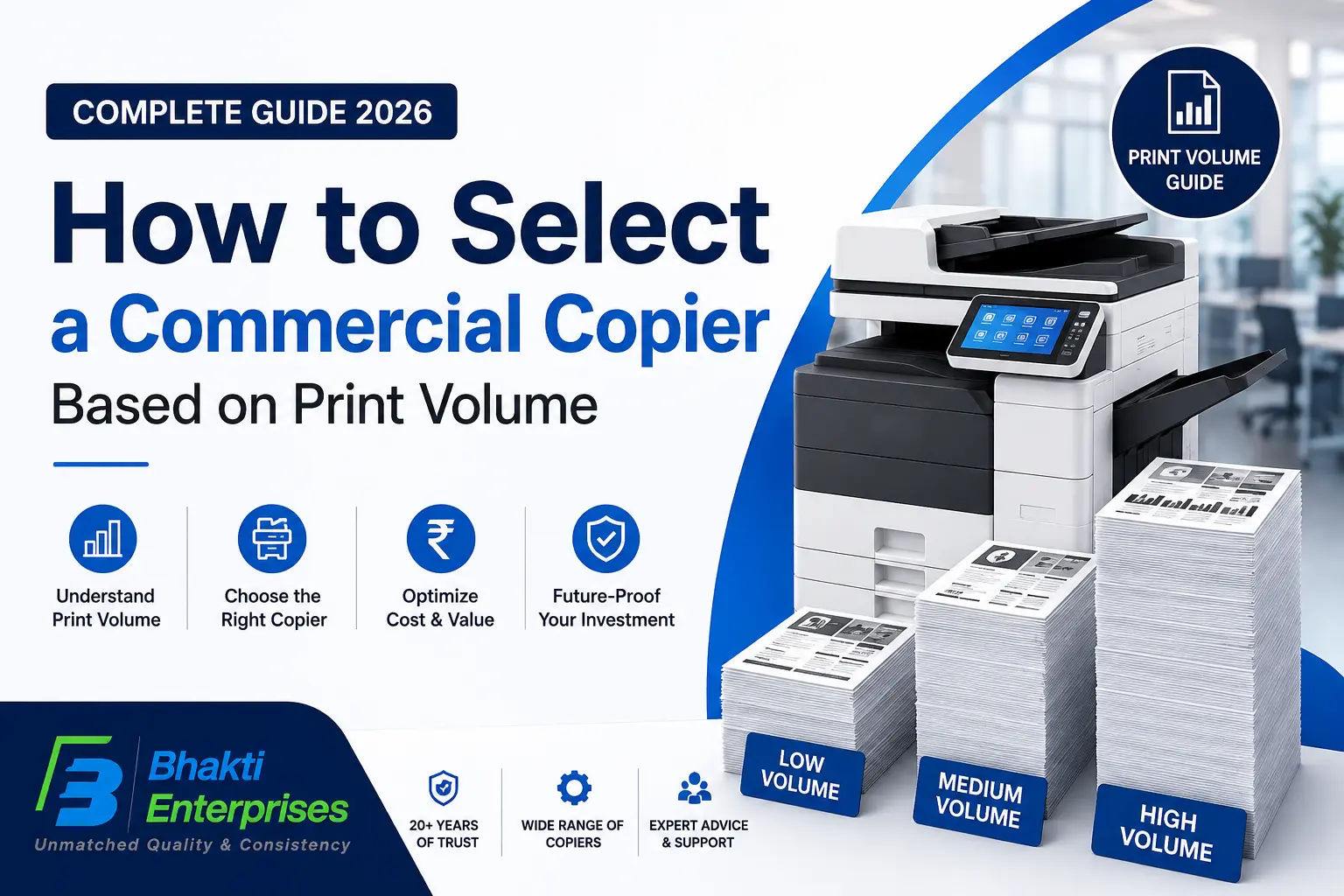
How to Select a Commercial Copier Based on Print Volume in 2026
Bhakti Enterprises
Key takeaways
- Measure actual monthly printing before selecting any copier.
- Choose a copier designed for your workload-not just your peak demand.
- Print speed should match employee productivity requirements.
- Lower cost-per-page becomes critical above 10,000 pages/month.
- Reliable service support and spare parts availability reduce downtime.
- Always compare total ownership cost instead of purchase price alone.
Learn how to choose the right commercial copier based on your monthly print volume. This guide helps businesses reduce operating costs while improving productivity.
Introduction :- Selecting a commercial copier is more than comparing prices. The right machine should support your business's current printing needs while allowing room for future growth. One of the biggest mistakes organizations make is purchasing a copier that is either too small or unnecessarily oversized. This guide explains how print volume affects copier performance, operating costs, and long-term return on investment.
Before You Start: Ask Yourself These Questions ✔ How many pages does your office print every month? ✔ Is your workload mostly black & white or color? ✔ Will the copier be shared by one department or the entire organization?
1. Understand Monthly Print Volume:- Monthly print volume is the average number of pages printed every month. It is the primary factor manufacturers use when designing copier engines. Every commercial copier has two important specifications: ✔ Recommended Monthly Volume ✔ Maximum Monthly Duty Cycle The recommended volume indicates the ideal workload for long-term reliability. The maximum duty cycle represents the absolute upper limit, which should only be reached occasionally. Running a copier consistently near its maximum duty cycle increases wear on rollers, drums, fusers, and other components, leading to more frequent maintenance and shorter equipment lifespan. Best Practice:- Choose a copier whose recommended monthly volume is at least 20–30% higher than your current average. Checklist :- ✔ Calculate six months of average printing. ✔ Include scanning and copying volume. ✔ Consider seasonal business peaks. ✔ Plan for business growth.
2. Match Copier Speed to Print Volume Print speed is measured in Pages Per Minute (PPM). A higher monthly volume usually requires faster print speeds to prevent bottlenecks. Typical Recommendations :- Small Office :- 20-30 PPM Medium Business :- 35-55 PPM Large Enterprise :- 60-90 PPM A copier with insufficient speed causes employees to wait for jobs, reducing workplace productivity. Checklist ✔ Measure peak-hour printing. ✔ Consider multiple simultaneous users. ✔ Choose automatic duplex printing. ✔ Ensure fast first-page-out time.
3. Evaluate Cost Per Page Purchase price represents only a small portion of ownership costs. Businesses printing thousands of pages each month should focus on: ✔Toner efficiency ✔Drum life ✔Maintenance intervals ✔Energy consumption ✔Spare parts availability For organizations producing more than 15,000 pages monthly, even a small reduction in cost per page can generate substantial annual savings. Checklist ✔ Compare toner yield. ✔ Compare drum lifespan. ✔ Calculate annual operating costs. ✔ Request service contract pricing.